Answerflow AI
Chatbot Platform
Full product design for a ChatGPT-powered custom chatbot builder — designing the builder interface, embeddable widget system, and brand identity for a B2B SaaS targeting non-technical business owners.
The Problem
Answerflow AI lets business owners build custom AI chatbots trained on their own content — FAQs, product docs, support articles — without writing a single line of code. The core promise is powerful, but the challenge is the target user: a business owner who has never built software, doesn't understand embeddings or fine-tuning, and just needs "a chatbot that answers my customers' questions."
Our users are florists and accountants. If they need to Google a word on our dashboard, we've lost them.
— Answerflow CEO
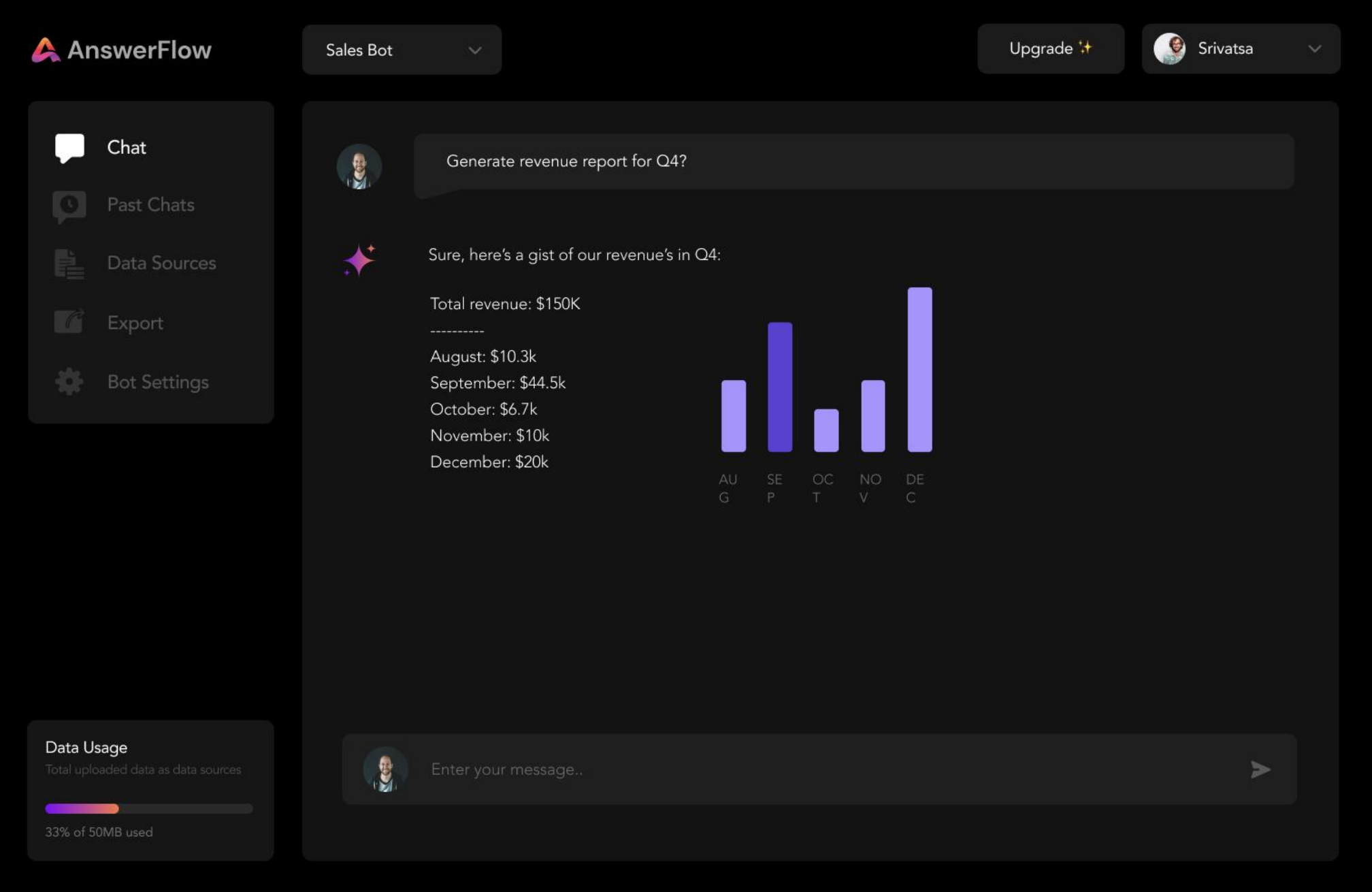
The product had three distinct design surfaces requiring cohesive but contextually distinct treatment: a builder dashboard (for creating and training chatbots), a customisation interface (for branding the widget), and the embeddable widget itself (what end-users of the chatbot see).
On top of this, we built the brand identity from zero — Answerflow had no visual direction when we started.
Design Approach
Brand Identity: Approachable Intelligence
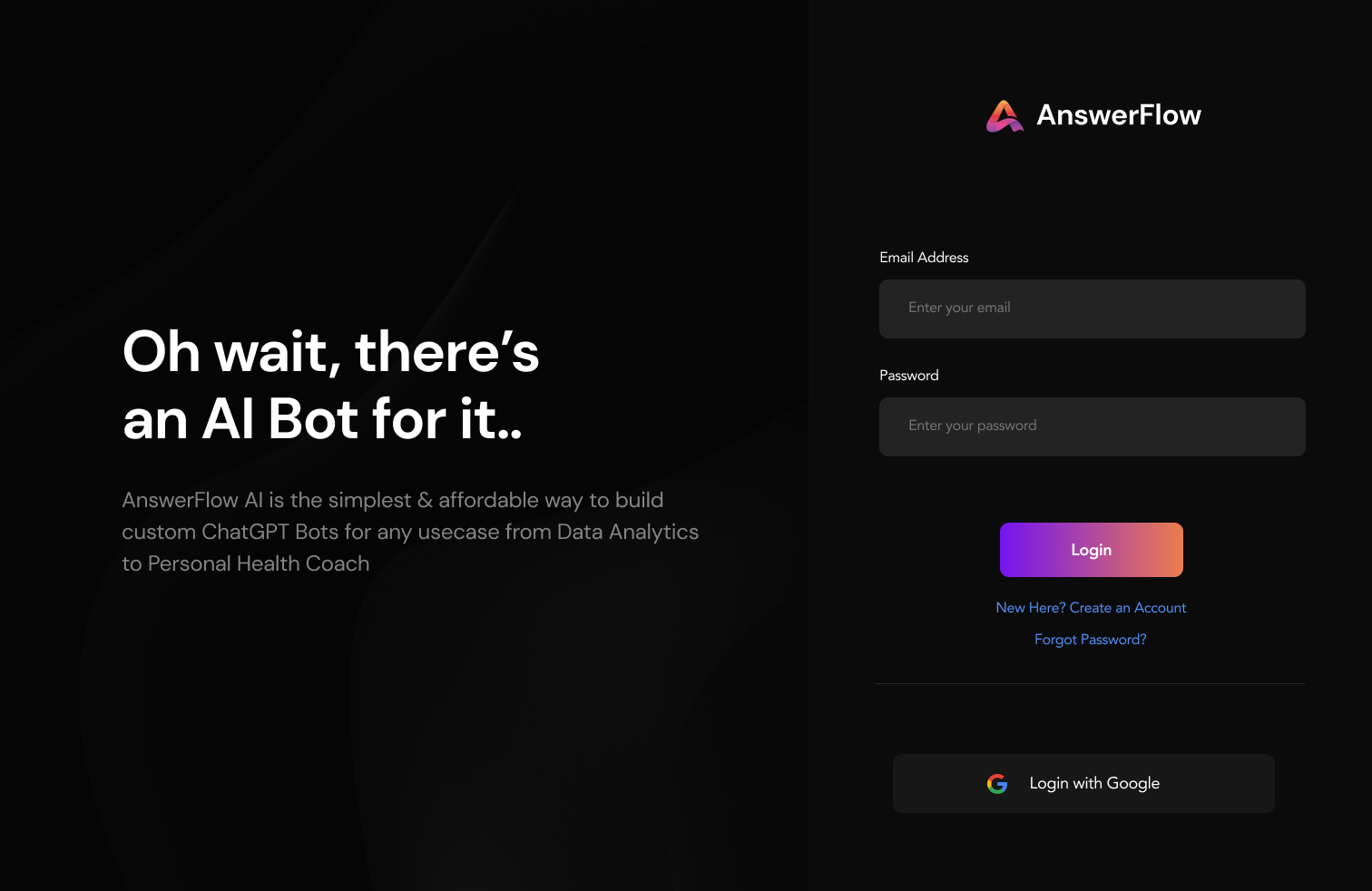
Developed a brand identity that communicated AI capability without feeling intimidating. Logo, colour system, typography, and iconography all built around a "knowledgeable but friendly" positioning — distinguishing Answerflow from the stark, technical aesthetic common in AI tooling.
Builder Dashboard: Wizard Over Configuration
Replaced a configuration panel metaphor with a step-by-step wizard that guided users through chatbot creation as a narrative: "Give your chatbot a name → Add your content sources → Test it → Deploy." Progress state was always visible. Users never saw a blank canvas.
Widget Customisation: WYSIWYG Preview
Designed a live-preview customisation interface — users could change colours, fonts, avatar, and greeting text and see the widget update in real time on the right side of the screen. No guesswork, no "save and check" loop.
Embeddable Widget: Universal & Extensible
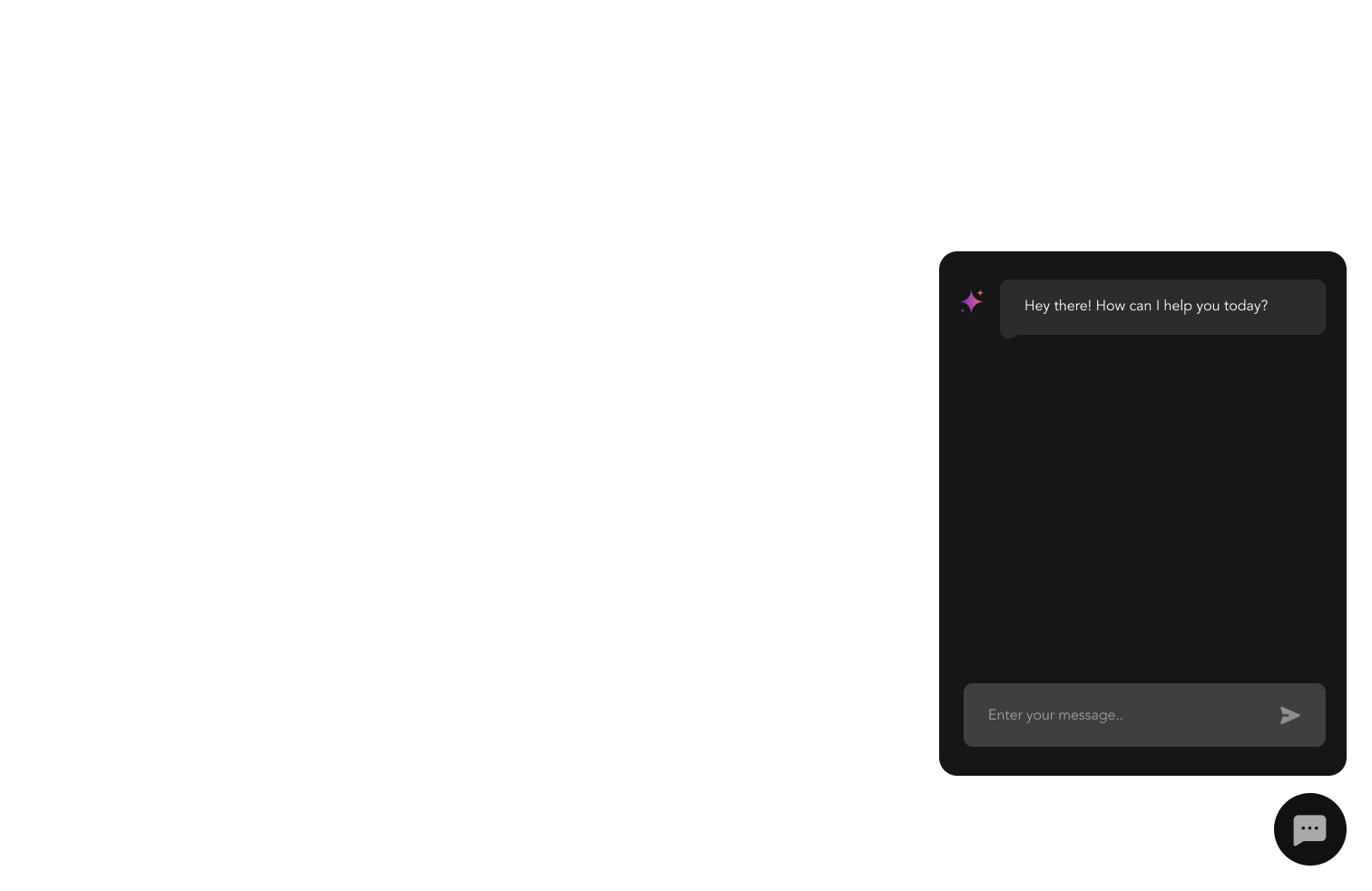
Designed the chat widget UI to be visually neutral by default and fully customisable through the dashboard. The widget needed to feel at home on a luxury spa website and a B2B SaaS platform simultaneously — achieved through a themeable token system rather than opinionated defaults.
Your project next
Let's build something worth remembering.
Tell us what you're building and we'll come back with a plan, a timeline, and a price.